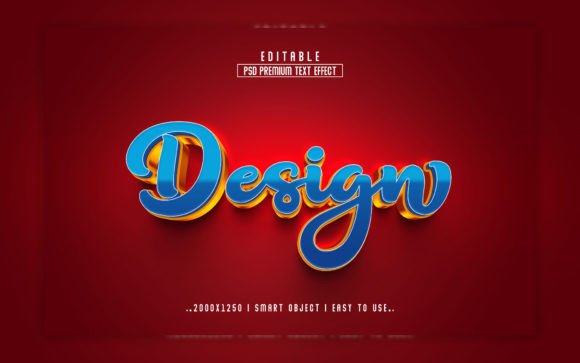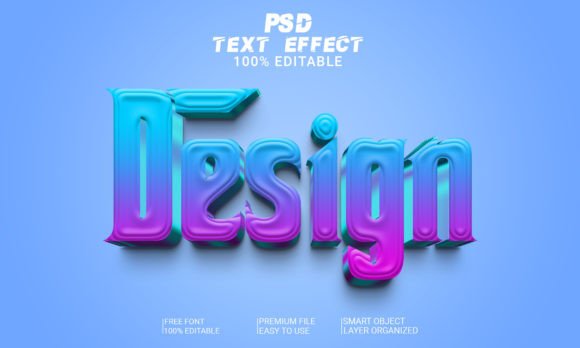
Design 3D Text Effect – A Strategic Tool for Creative Professionals
In today’s fast-paced digital world, visual impact is often the difference between a project that stands out and one that gets overlooked. For designers, marketers, and content creators, having access to tools that streamline the creative process without compromising quality is essential. One such tool is the Design 3D Text Effect, an editable PSD file designed with smart objects that allows users to customize text effortlessly while maintaining high-resolution output. This resource isn’t just about aesthetics—it’s a strategic asset that can enhance your workflow, improve communication, and elevate your brand presence across platforms.
What Is Design 3D Text Effect?
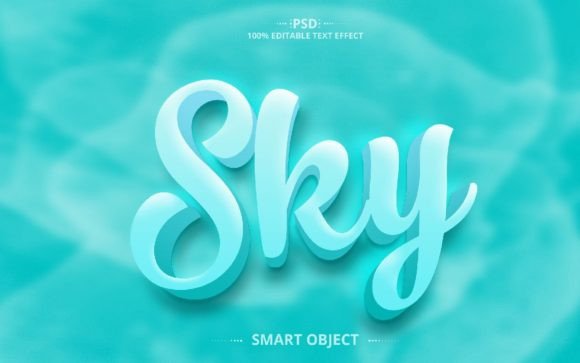
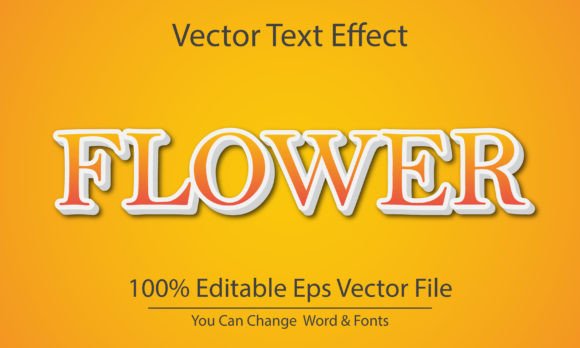
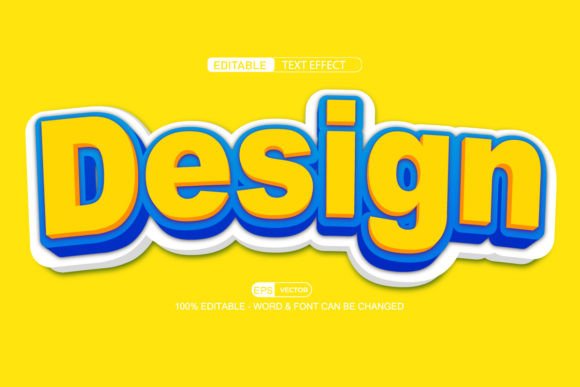
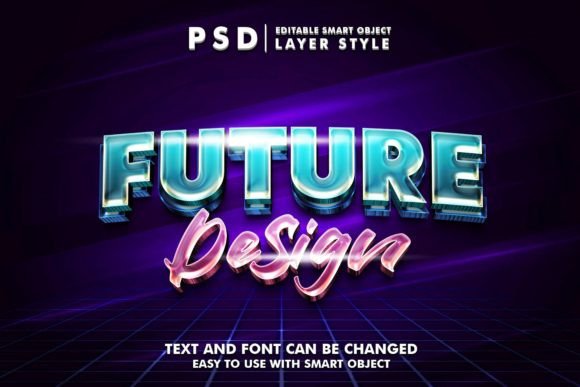
The Design 3D Text Effect is a layered Photoshop (PSD) template that enables users to replace placeholder text with their own custom text using smart object layers. The template is crafted at 300 DPI resolution, in RGB color mode, ensuring it’s print-ready and optimized for digital screens. It supports full customization, including font changes, colors, and alignment, making it ideal for a wide range of applications—from website banners and social media posts to promotional materials and presentations.
What sets this effect apart is its user-friendly structure. Unlike traditional 3D text effects that require advanced knowledge of layer styles or 3D rendering, this template simplifies the process by allowing you to simply double-click the smart object layer, type your desired text, and let the design adapt automatically. The result is professional-quality typography with minimal effort, which is especially valuable when working under tight deadlines or managing multiple projects simultaneously.
Strategic Benefits of Using Design 3D Text Effect
Integrating the Design 3D Text Effect into your workflow offers several strategic advantages:
- Time Efficiency: By eliminating the need to manually recreate 3D text effects from scratch, you save hours of work each week. This efficiency is crucial for professionals who must produce consistent, high-quality visuals across campaigns.
- Consistency in Branding: Maintaining a cohesive look and feel is key to building trust and recognition. With fully editable smart objects, you can ensure that your branding elements—like fonts and colors—stay aligned across all materials.
- Enhanced Communication: 3D text adds depth and dimension to your message, helping to capture attention more effectively than standard 2D text. This makes it particularly useful for headlines, call-to-action buttons, and product titles where clarity and impact are critical.
- Scalability: Whether you're designing for a mobile ad or a large billboard, the 300 DPI resolution ensures your text remains sharp and clear at any size. This scalability supports cross-channel marketing efforts and multi-format content creation.
Use Cases Across Industries
Understanding when and how to use the Design 3D Text Effect depends on your specific goals and audience. Here are some practical use cases across different industries:
Marketing and Advertising
In digital marketing, every second counts. The Design 3D Text Effect can be used to create compelling ad creatives, landing page headers, or promotional banners. Its high-quality resolution and ease of editing allow you to iterate quickly based on campaign feedback or A/B testing results. For example, if you’re launching a new product, you can generate multiple versions of your headline with varying tone and style to test what resonates best with your target audience.
Web and App Design
When designing websites or mobile apps, typography plays a vital role in user experience. The Design 3D Text Effect can be applied to hero sections, feature highlights, or navigation menus to add visual interest without overwhelming the interface. As long as the text remains legible and doesn’t clash with the background, it can serve as a subtle yet powerful enhancement to your design language.
Education and E-learning
Educators and instructional designers can benefit from using 3D text to highlight key concepts, headings, or interactive elements in digital learning modules. When used thoughtfully, the effect can help learners focus on important information and make educational content more engaging.
Freelance and Small Business Projects
For freelancers and small business owners, cost-effectiveness and time management are top priorities. The Design 3D Text Effect provides a ready-to-use solution that eliminates the need for expensive software or lengthy tutorials. You can apply it to client proposals, portfolio websites, or promotional graphics, ensuring a polished finish that reflects professionalism and creativity.
How to Approach Design 3D Text Effect Strategically
To maximize the value of the Design 3D Text Effect, it’s important to approach it with intention rather than impulse. Consider the following steps before integrating it into your project:
- Define Your Purpose: Ask yourself why you need a 3D text effect. Is it to grab attention, convey authority, or create a memorable visual? Aligning the effect with your objective will guide your choice of font, color, and placement.
- Choose the Right Context: Not every project benefits from 3D text. Use it where it enhances the message rather than distracts from it. Avoid overusing the effect in environments where readability is paramount, such as body copy or infographics.
- Test and Refine: Once you’ve created your text using the smart object method, test it in various formats and sizes. Make sure it looks good on both desktop and mobile screens, and adjust the contrast or lighting if necessary.
- Maintain File Organization: The template includes well-organized layers and folders, which is a huge advantage for collaboration or future edits. Keep your version of the file structured so that others—or even your future self—can navigate it easily.
Practical Examples of Application
Let’s consider a few real-world examples to illustrate how the Design 3D Text Effect can be leveraged strategically:
Example 1: Product Launch Banners
A tech startup preparing for a product launch might use the Design 3D Text Effect to create eye-catching banners for their website and email campaigns. The effect helps emphasize the product name and key features, guiding potential customers toward action.
Example 2: Social Media Content
A fashion influencer could incorporate the 3D text into Instagram stories or Pinterest pins to showcase collection names or event dates. The dynamic look complements the visual nature of these platforms and encourages engagement.
Example 3: Corporate Presentations
In a corporate setting, a team leader might use the Design 3D Text Effect in a PowerPoint presentation to highlight milestones or core values. The added depth gives the slides a more polished appearance and reinforces the importance of the highlighted content.
Risks of Random Usage
While the Design 3D Text Effect is easy to use, applying it randomly can lead to negative outcomes. If the 3D styling clashes with the overall design aesthetic or overwhelms the viewer, it may reduce the effectiveness of your message. In some cases, it can even make your content appear unprofessional or gimmicky.
Another risk lies in inconsistent application. Suppose you use the same 3D text style across unrelated projects or brands; this could dilute your visual identity instead of enhancing it. Always evaluate whether the effect aligns with your brand guidelines and project requirements before implementation.
Planning Tips for Intentional Use
Here are some planning tips to help you use the Design 3D Text Effect intentionally and effectively:
- Set Clear Objectives: Determine what you want to achieve with the 3D text—brand visibility, user engagement, or visual hierarchy—and choose the appropriate style accordingly.
- Match Tone and Style: Ensure the text effect complements the tone of your content. A bold, metallic 3D style might suit a high-energy campaign, while a softer gradient style could fit better in a minimalist design.
- Balance with Other Elements: Don’t let the 3D text dominate the composition. Use it to accentuate rather than overshadow supporting graphics, images, or other text elements.
- Consider Accessibility: Even though it’s visually appealing, always verify that the text remains accessible. High contrast and clear legibility should never be compromised for style.
Long-Term Value and Workflow Integration
The true power of the Design 3D Text Effect lies in its ability to become part of a larger creative system. When integrated into your workflow, it becomes a reusable component that supports consistency and speed. For teams, this means less time spent on repetitive tasks and more energy directed toward innovation and strategy.
Over time, you can build a library of 3D text variations tailored to different audiences, themes, and purposes. This not only saves time but also strengthens your brand’s visual language by creating recognizable patterns that viewers begin to associate with your identity.
Additionally, because the template is fully editable and organized, it facilitates collaboration. Team members can work independently on different aspects of the design without disrupting the main layout, leading to faster turnaround times and more refined outputs.
Final Thoughts on Strategic Creativity
Tools like the Design 3D Text Effect represent a shift in how we approach design—moving from complex, time-consuming processes to efficient, scalable solutions. But they only deliver value when used with purpose. As a creative professional, your job is to decide when to deploy such tools and how they contribute to your broader goals.
Whether you’re aiming to improve productivity, enhance communication, or strengthen your brand, the Design 3D Text Effect can be a powerful ally. Just remember: great design is not about flashy effects alone. It’s about aligning form with function, and using every element to serve your message and audience.