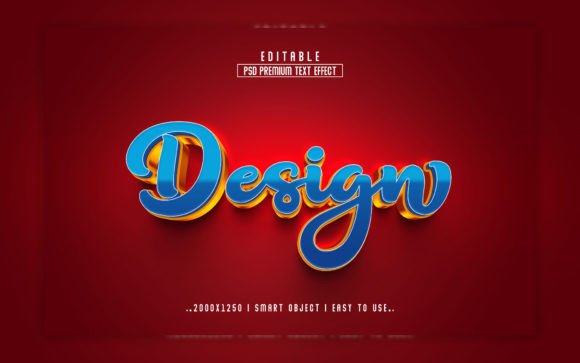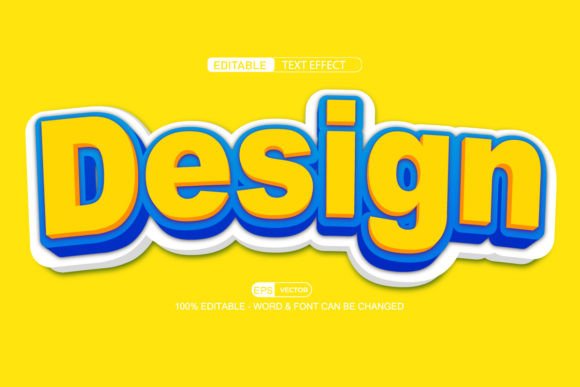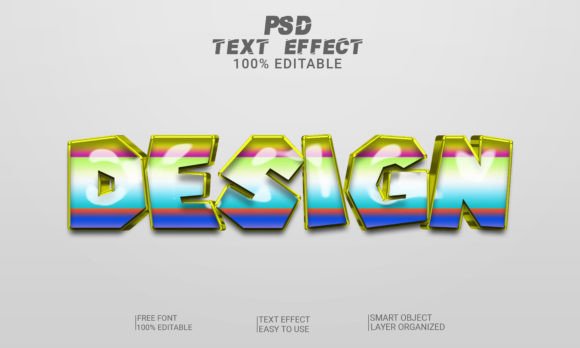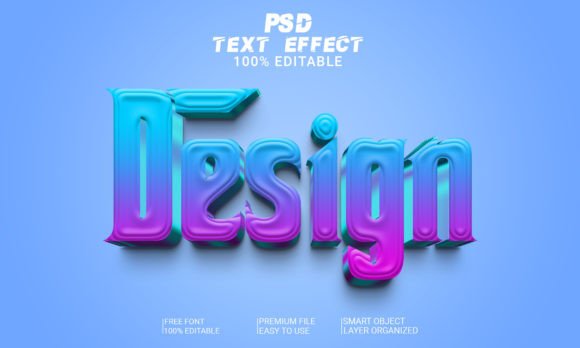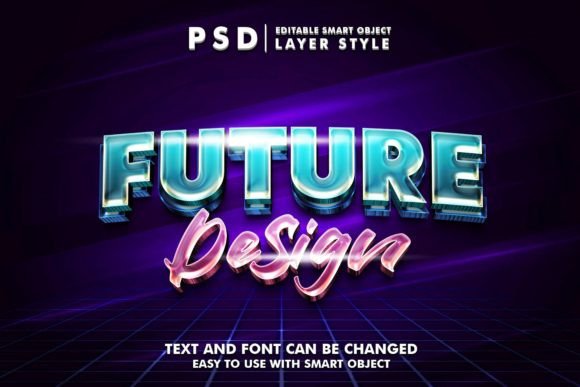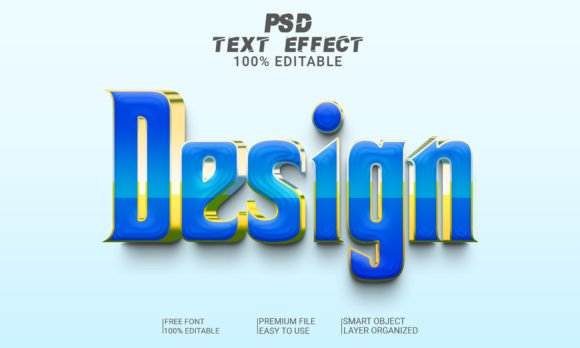
How to Use and Customize Design 3D Text Effect PSD Files with Smart Objects
In the world of digital design, creating visually appealing text is essential for making your projects stand out. Whether you're designing a website, promotional material, or social media graphics, having access to high-quality 3D text effects in Photoshop (PSD files) can elevate your work significantly. One of the most convenient ways to do this is by using editable 3D text effect PSD files, which are designed to be user-friendly and adaptable. These files allow even beginners to produce professional-looking designs with minimal effort.
What Is an Editable 3D Text Effect PSD File?
An editable 3D text effect PSD file is a pre-designed template created in Adobe Photoshop that features a three-dimensional text style. Unlike regular text layers, these templates use Smart Objects, a powerful Photoshop feature that enables non-destructive editing. This means you can modify the text without affecting the underlying design elements, such as lighting, shadows, or textures.
The key advantage of these PSD files is their ease of use. They come fully layered, often organized into folders, so you can navigate through different components effortlessly. The resolution is typically set to 300 DPI, ensuring crisp and clear output suitable for both print and digital platforms. Additionally, they are usually formatted in RGB color mode, ideal for web-based applications like websites and banners.
Why Use a 3D Text Effect Template?
Creating 3D text from scratch can be a complex task, especially for those who are new to Photoshop. It involves techniques like extrusion, layer blending, lighting effects, and shadow manipulation — all of which require time and skill. Using a ready-to-use 3D text effect PSD file simplifies the process, allowing you to focus on creativity rather than technicalities.
- Time-Saving: Instead of building the effect manually, simply replace the existing text with yours and enjoy the result instantly.
- Consistency: Templates ensure uniformity in your design projects, especially when working on branding or marketing materials.
- Professional Quality: Even if you're not a designer, you can create stunning visuals thanks to the high-quality presets used in the template.
- Customization: You have full control over colors, fonts, and other design aspects to match your specific needs.
Common Uses for 3D Text Effects
These types of text effects are incredibly versatile and find applications in various fields:
- Graphic Design: Used for posters, flyers, and advertisements where attention-grabbing typography is needed.
- Web Design: Ideal for headers, banners, and call-to-action buttons that need to pop visually.
- Social Media: Great for Instagram posts, Facebook banners, and Twitter headers to make your message more engaging.
- Logo Creation: Helps in developing unique logotypes with depth and dimensionality.
- Print Media: Perfect for magazine covers, book titles, and event invitations due to the high-resolution format.
How to Use a 3D Text Effect PSD File: A Step-by-Step Guide
If you're wondering how to get started with a 3D text effect PSD file, here’s a simple guide to help you along:
- Download the PSD File: Ensure you obtain a high-quality, layered file from a trusted source. Look for keywords like “smart object,” “fully editable,” and “300 DPI” to confirm it meets your requirements.
- Open in Photoshop: Once downloaded, open the file in Adobe Photoshop. You’ll see multiple layers, often grouped under folders for better organization.
- Locate the Smart Object Layer: Find the layer labeled as a smart object. This is where the original text was placed. Double-clicking this layer will let you edit the content.
- Edit the Text: Replace the placeholder text with your own words. Choose a font that suits your project, but keep in mind that some templates may restrict font changes based on the smart object settings.
- Save Your Changes: After editing, save the smart object and close the dialog box. Your custom text will now appear with the same 3D effect applied.
- Export the Final Image: Once satisfied with the design, export the file in your desired format (such as PNG or JPEG) at the correct resolution for your intended use.
This seamless workflow makes it possible for anyone to create impressive 3D text designs without needing advanced skills. Just remember, the beauty of smart objects lies in their ability to retain quality and structure even after edits — a huge plus for any designer.
Key Features of a High-Quality 3D Text Effect PSD File
A well-crafted 3D text effect PSD file includes several important features that enhance usability and flexibility. Here's what to look for:
- One PSD File: A single file containing all the necessary layers and effects makes management easier and ensures compatibility across devices and software versions.
- Editable Text: The core functionality of these templates relies on the ability to change the text while maintaining the visual integrity of the design.
- Smart Object Replacement: This allows you to replace the text easily without altering the rest of the composition, preserving the lighting and texture effects.
- High Quality Resolution (300 DPI): Ensures clarity and sharpness, especially when printing or using in high-resolution displays.
- No Skill Required: Designed with simplicity in mind, these templates are accessible to users at all levels of expertise.
- Easy to Edit: With smart objects and organized layers, customization becomes straightforward and intuitive.
- Fully Layered and Organized: Layers are grouped logically, often in folders, making it easy to locate and adjust individual elements like background, glow, or shadow.
- RGB Color Mode: Makes them perfect for digital use, including online presentations, web graphics, and social media content.
With these features in place, designers can quickly adapt the template to suit their creative goals without compromising on quality or aesthetics.
Understanding Smart Objects in Photoshop
For many, the term “smart object” might be unfamiliar. In Photoshop, a smart object is a container for image data that maintains its source content and quality when resized or transformed. When you edit a smart object, you aren't distorting the pixels directly; instead, you’re applying transformations to the object itself. This is particularly useful when dealing with text effects because it prevents the text from becoming pixelated when you make changes.
Think of a smart object as a reusable component. For example, if you want to apply the same 3D effect to a different phrase or logo, you don’t need to start from scratch. Simply replace the text inside the smart object, and the effect remains intact. This is why smart objects are a staple in many design workflows — they offer flexibility and efficiency without sacrificing detail.
Benefits of Using Fully Editable PSD Files
Using fully editable PSD files has numerous advantages, especially for those looking to streamline their design process:
- Non-Destructive Editing: As mentioned earlier, smart objects allow you to edit text without damaging the original design elements.
- Design Consistency: If you're working on a series of related projects, using the same template helps maintain a consistent visual identity.
- Learning Opportunity: Exploring the layers and folder structures in a PSD file can help you understand how professional 3D text effects are constructed.
- Cost-Effective: Instead of hiring a designer to create a custom 3D text effect, you can purchase a template and customize it yourself.
- Speed: Quick turnaround times are essential in today’s fast-paced design environments. Editable PSDs reduce the time spent on repetitive tasks.
Moreover, these files are great for educational purposes. Beginners can learn how to manipulate light, shadow, and texture by studying the layers and adjusting them as needed. Experienced designers can also benefit by saving time and focusing on higher-level creative decisions.
Where to Use These 3D Text Effects
Thanks to their versatility, 3D text effect PSD files can be used in a wide range of contexts. Let’s explore some real-world examples:
Marketing and Advertising
In marketing, standing out is everything. A 3D text effect can transform a basic slogan into a dynamic visual that captures attention. For instance, a fitness brand could use a bold, glowing 3D text effect for a campaign poster, reinforcing the message of strength and energy.
Web and UI/UX Design
On websites or mobile apps, 3D text effects can be used to highlight key features or services. An example would be a tech startup using a metallic 3D header for their homepage to convey innovation and modernity.
Education and Presentations
Teachers and presenters can use 3D text effects to make slides more engaging. A science teacher, for example, might use a futuristic 3D title for a lesson on space exploration to spark curiosity among students.
Business Branding
Branding often requires a strong visual identity. A business launching a new product can use a 3D text effect for packaging labels or promotional videos, giving their brand a premium feel.
Creative Projects
From album art to game concept designs, 3D text effects add a layer of artistic flair. Independent artists and musicians often use these effects to create striking visuals that reflect their creative vision.
Common Misconceptions About 3D Text Effects
Despite their popularity, there are still some misconceptions about using 3D text effects in Photoshop. Let’s clarify a few of them:
- Misconception 1: “You need to be an expert to use 3D text effects.”
Reality: Thanks to smart objects and pre-built templates, even beginners can achieve great results with minimal learning curve. - Misconception 2: “3D text effects only work for certain fonts.”
Reality: While some effects may be optimized for specific fonts, most templates are flexible enough to accommodate a variety of styles. - Misconception 3: “Changing the text ruins the effect.”
Reality: Since smart objects preserve the original design, replacing the text doesn’t disrupt the overall look unless you intentionally alter the formatting.
By understanding these points, you can avoid frustration and make the most out of your 3D text effect PSD files.
Choosing the Right 3D Text Effect Template
To get the best out of an editable 3D text effect, it’s important to choose the right template. Here are some tips to help you select one that fits your needs:
- Check Compatibility: Make sure the file works with your version of Photoshop. Most modern templates are compatible with CS6 and above.
- Look for Organization: Well-structured layers and folders indicate that the creator has put thought into usability and accessibility.
- Resolution Matters: Always confirm that the file is at least 300 DPI to ensure high-quality output, especially for print.
- Color Mode: For digital use, RGB is preferred, while CMYK is better suited for print. Check the file’s color mode before downloading.
- Preview Before Purchase: Many marketplaces offer previews of the final effect. Take a moment to review the preview to ensure it aligns with your vision.
Once you’ve found a suitable template, the next step is to download and start personalizing it for your project.
Final Thoughts
Editable 3D text effect PSD files are a fantastic resource for both novice and experienced designers. Their combination of smart objects, high resolution, and organized layering makes them incredibly powerful tools in any creative arsenal. Whether you're crafting a logo, preparing a presentation, or designing a website banner, these templates can help you deliver stunning visuals with ease.
Remember, the magic lies in how easily you can replace text and tweak colors or backgrounds without losing the essence of the design. So, the next time you need a captivating headline or a memorable graphic, consider using a 3D text effect PSD file. It might just be the shortcut you've been looking for to bring your ideas to life.
Thank you for reading! We hope this guide has helped you gain a deeper understanding of how to use and customize 3D text effects in Photoshop. Stay inspired and keep creating!